Performing a Drag and Drop
Perform drag-and-drop in Endtest Web Tests: drag elements within a page, between containers, and onto droppable targets across modern frameworks.
Introduction
There are 3 types of Drag and Drop operations that can be performed in Endtest:
- Drag an element to another element.
- Drag an element by a certain offset.
- Drag a target by a certain offset.
1. Drag an element to another element
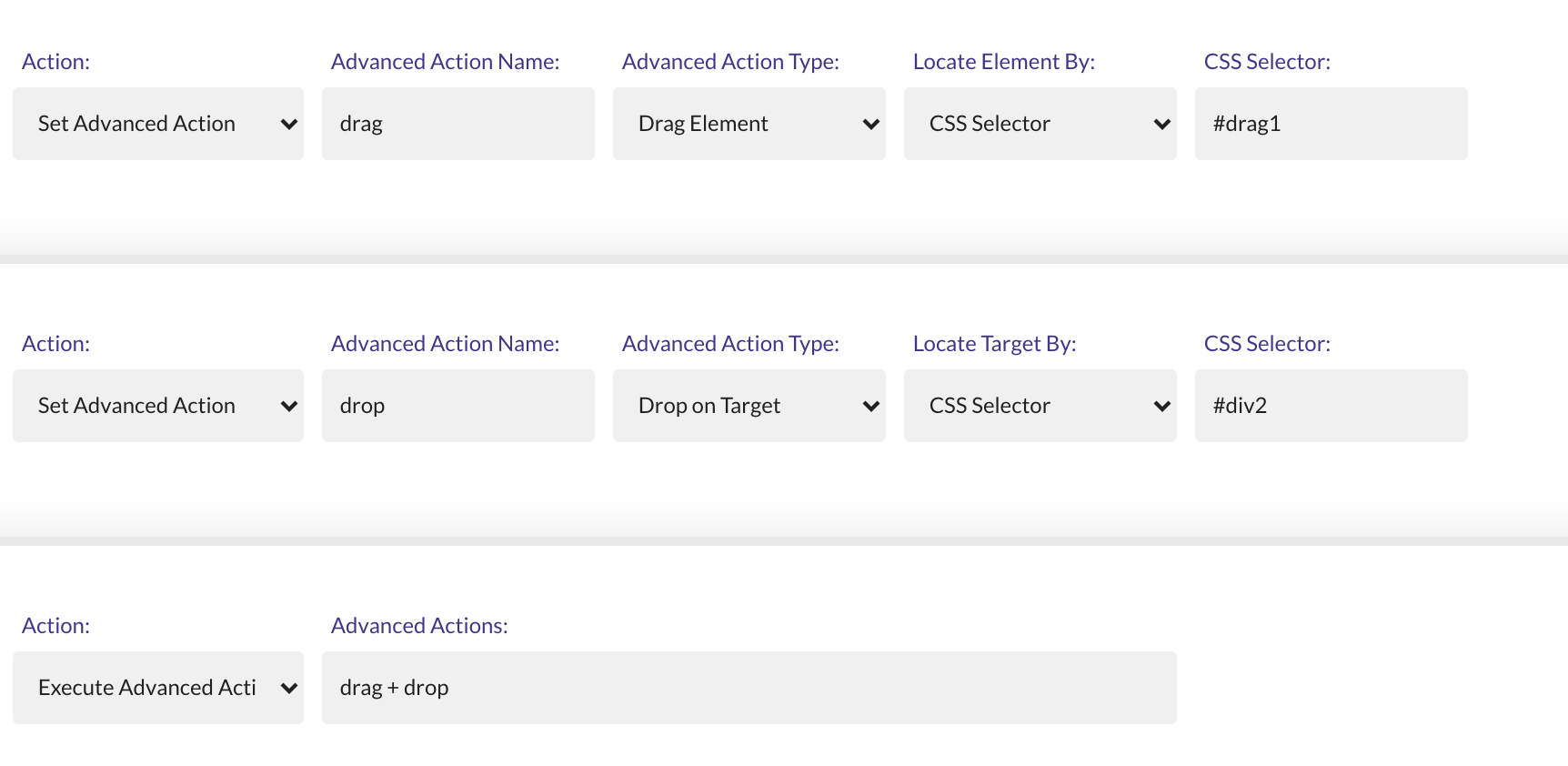
This is a complex action that requires two elements to be identified:
- The element to be dragged
- The destination element
Declare the Drag Element action and the Drop on Target action with Set Advanced Action in two separate steps.
Then, you need to execute those actions with the Execute Advanced Actions Sequence option.
2. Drag an element by a certain offset
This operation can be performed by using the Move Element by Offset method from the Miscellaneous action.
You have to provide the locator for the element which will be dragged and the offset.

3. Drag a target by a certain offset
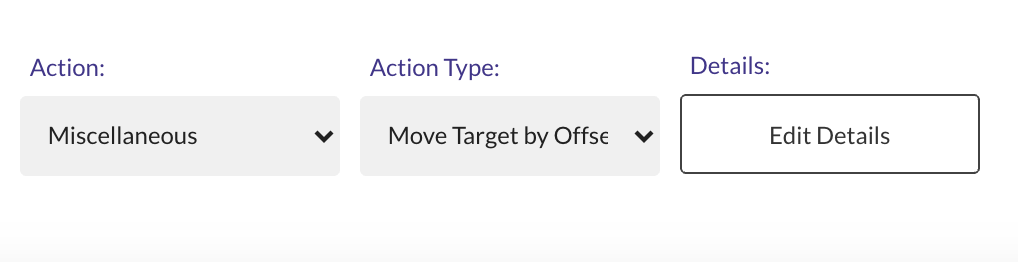
This operation can be performed by using the Move Target by Offset method from the Miscellaneous action.
It's useful for situations where you need to start the drag operation by clicking and holding a specific point of the element you want to drag.
You have to provide the locator and the offset for the element which will be dragged, as well as the offset for the destination.