Discord
Integrate Endtest with Discord to post automated test results, build alerts, and failure notifications to your team channels in real time.
Introduction
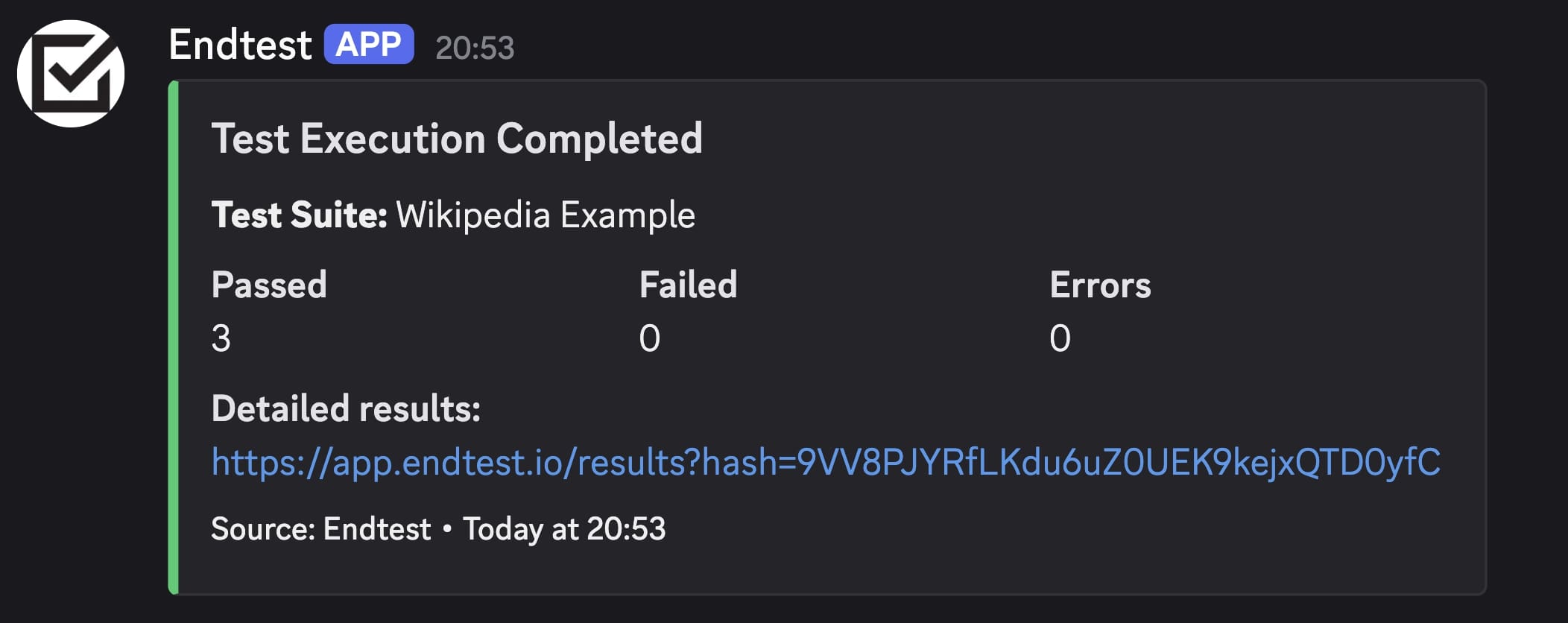
You can get notifications for your test executions on your Discord channels.
This can be achieved by using the Webhooks from Discord and the Webhook Notifications from Endtest.
Steps
- Go to
Discord. - Hover on the channel where you want to add the webhook and click on the
Edit Channelbutton. - Choose
Integrationsfrom the left-side menu and click on theWebhooksbutton. - Click on the
New Webhookbutton (if you don't already have a webhook). - After the webhook is created, click on the
Copy Webhook URLbutton. - Go to your test suite from
Endtest. - Paste that copied Webhook URL in the
Webhook URLinput from theNotificationssection. - Click on the
Savebutton.